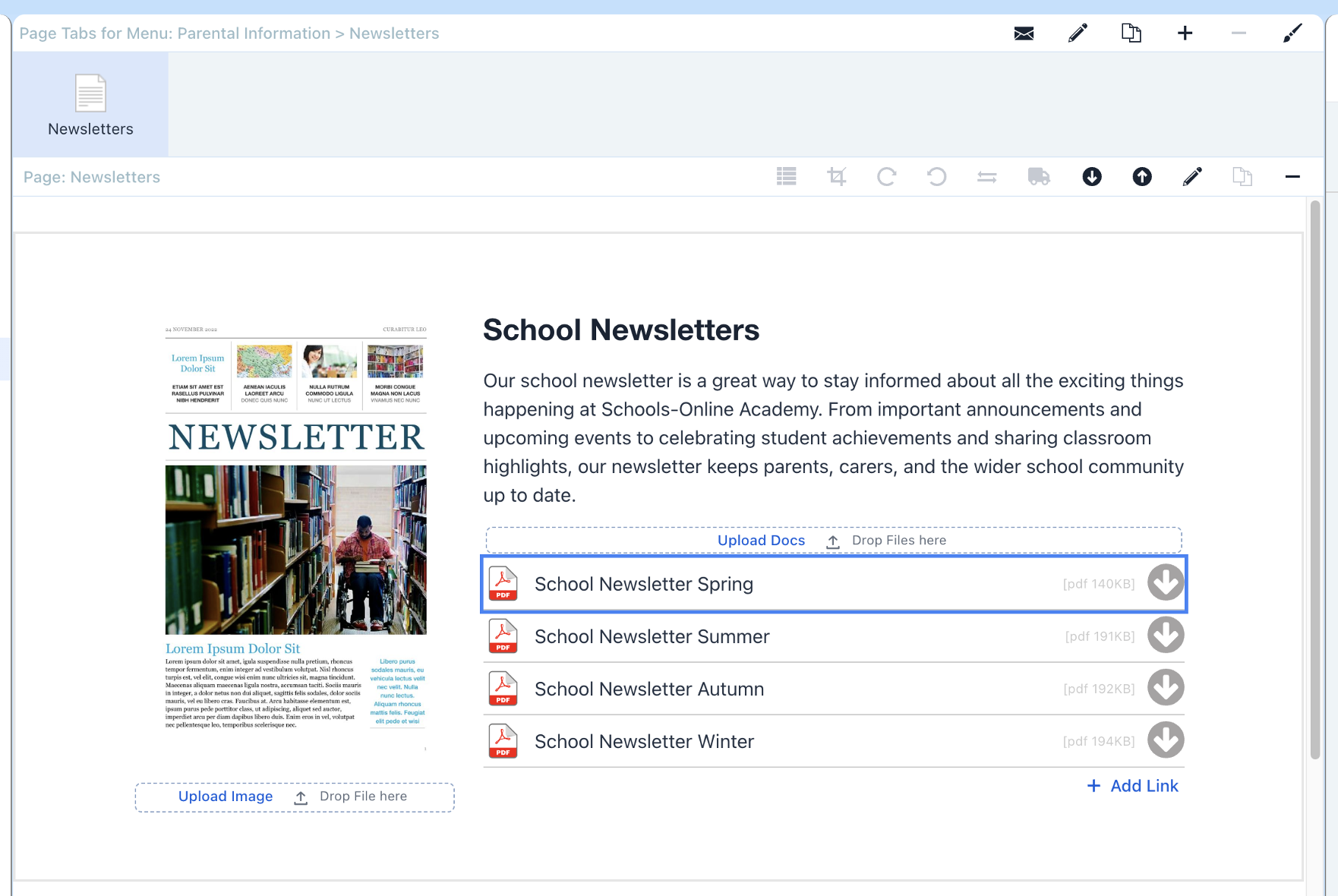
PDF to Image
Video Tutorial at the bottom of this page.
Step 1
Drag and drop your document/s into the relevant drop zone.
Then double-click the pdf icon.
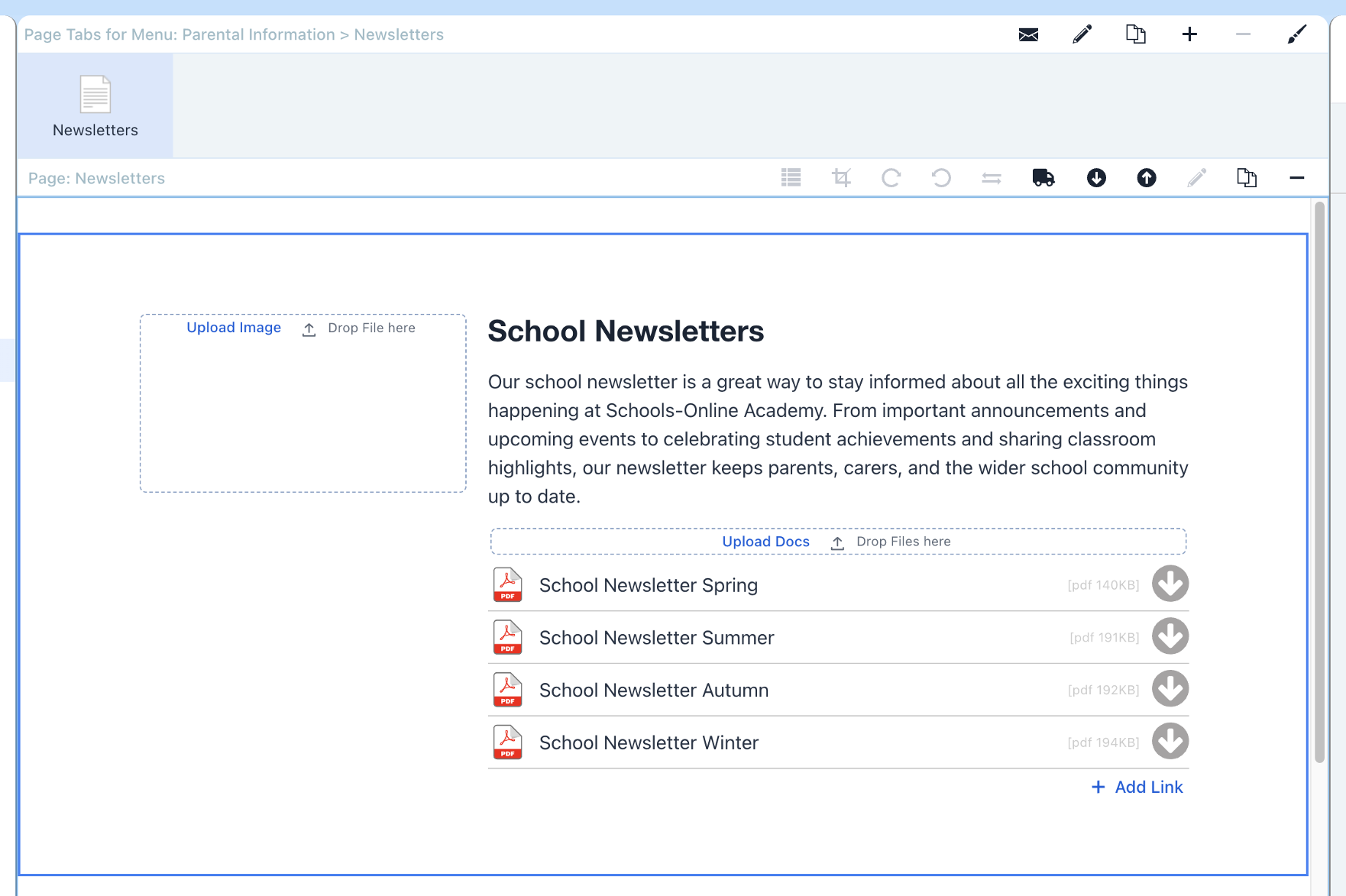
Step 2
Now click the Add 1st page as Image button.

Finish
Your pdf's first page has now been rendered as a jpg and added to the picture frame.